Make.com Review 2026: Unlocking the Power of Visual Automation
Automation is no longer a luxury; it’s a necessity for any business aiming to scale in 2026. Make.com (formerly Integromat) has redefined the no-code ecosystem by offering a visual, drag-and-drop interface that makes complex workflows feel like child’s play. Whether you are connecting your CRM to AI tools or building an automated content machine, Make provides the flexibility that competitors lack.

A Visual Canvas for Unlimited Creativity
The first thing that sets Make.com apart from other automation platforms is its infinite visual canvas. Unlike the linear, step-by-step approach seen in tools like Zapier, Make allows you to drag, drop, and connect modules in a free-form workspace. This “mind-map” style interface is not just about aesthetics; it provides a bird’s-eye view of your entire logic, making it significantly easier to troubleshoot complex multi-step scenarios.
For beginners, the learning curve might feel slightly steeper initially, but the reward is total control. You can watch your data flow in real-time through the “bubbles,” which is incredibly satisfying and helpful for ensuring every filter and router is performing exactly as intended. In 2026, where workflows involve multiple AI layers and API calls, this level of visibility is a game-changer.
Key Features and Advanced Capabilities
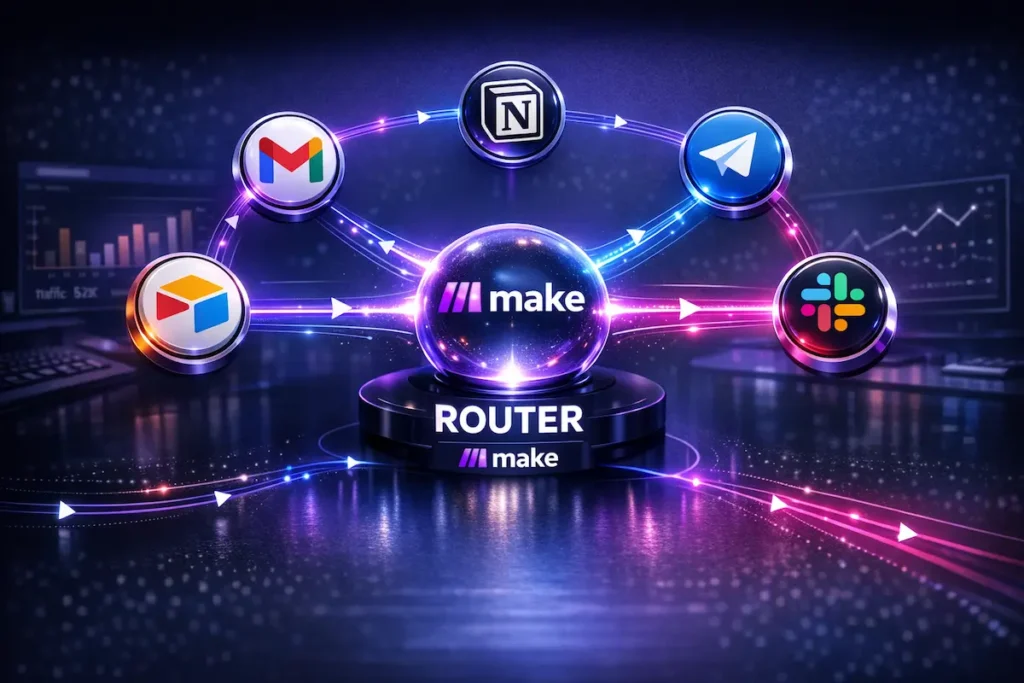
What truly makes Make.com a leader in 2026 is its ability to handle complex logic that other platforms simply can’t. While most tools offer basic “if-this-then-that” functionality, Make introduces Routers, Iterators, and Aggregators. These features allow you to split a single data stream into multiple paths, loop through arrays of information, and then bundle them back together for a final output.
Furthermore, its native integration with AI models—including OpenAI, Anthropic, and Google Gemini—allows for the creation of autonomous agents within your workflows. You can automate content sentiment analysis, image generation, or even complex data filtering without writing a single line of code. For those who need even more, the HTTP module ensures you can connect to any API on the planet, making Make.com virtually limitless.
Pros and Cons: Is Make.com Right for You?
What we love:
- Visual Logic: The ability to see exactly where your data goes is unparalleled.
- Cost-Efficiency: You get significantly more operations for your money compared to other premium automation tools.
- Infinite Scalability: From simple email notifications to complex AI-driven databases, there are no limits.
- Granular Control: You can set exactly how and when each module executes.
What could be better:
- Learning Curve: It takes time to master the more advanced features like aggregators or error handling.
- Complexity: For extremely simple one-step tasks, the interface might feel like overkill.
Pricing and Value in 2026
Make.com remains one of the most competitive options on the market. Their Free Plan is surprisingly generous, allowing you to test complex workflows before committing. As you scale, the Core and Pro plans offer a massive number of operations, ensuring that your automation costs don’t eat up your entire budget as your business grows.
Final Verdict: The Best Automation Tool for 2026?
Make.com is more than just a tool; it is a full-scale automation engine. While other platforms focus on simplicity at the expense of power, Make manages to balance both through its brilliant visual interface. If you are serious about building a modern, efficient, and AI-ready business, this is the foundation you need.
Whether you are a freelancer looking to save a few hours a week or a large agency managing hundreds of complex workflows, Make.com offers the flexibility, scalability, and pricing that the market demands in 2026. It is, without a doubt, the top recommendation for those who want to build without limits.
Start automating your business with Make.com for free today
Related Reading: If you are looking to build a complete tech stack for your company, don’t miss our guide on the Best Tools for Small Businesses in 2026, where we break down the essential software for growth.
Frequently Asked Questions (FAQ)
Is Make.com better than Zapier?
In 2026, it depends on your needs. Make.com is significantly more powerful and cost-effective for complex, multi-step workflows, while Zapier remains slightly more intuitive for very basic, one-to-one integrations.
Does Make.com have a free plan?
Yes, Make.com offers a very functional free plan that includes 1,000 operations per month, allowing you to build and test scenarios without any initial investment.
Is Make.com secure for business data?
Absolutely. Make.com complies with major global security standards, including GDPR and SOC2, ensuring that your automated data remains encrypted and protected.
Do I need to know how to code to use Make.com?
No coding is required. It is a 100% no-code platform. However, understanding basic logic (like “if/then” statements) will help you get the most out of its advanced features.
Can I use AI with Make.com?
Yes, Make.com has native modules for OpenAI (ChatGPT), Anthropic (Claude), and Google Gemini, making it one of the best tools for building AI-driven automations.